Redux is an AI-powered photo editing platform that runs entirely in your browser. It gives you professional-grade tools combined with intelligent automation to organize, edit, and deliver stunning photos faster than ever.
Join the Beta
Get early access to Redux and help shape the platform before launch.
mount-fuji.jpg
Auto-saved
Light
Exposure-8
Contrast+20
Blacks-20
Whites-6
Highlights-14
Shadows-10
Chat
JD
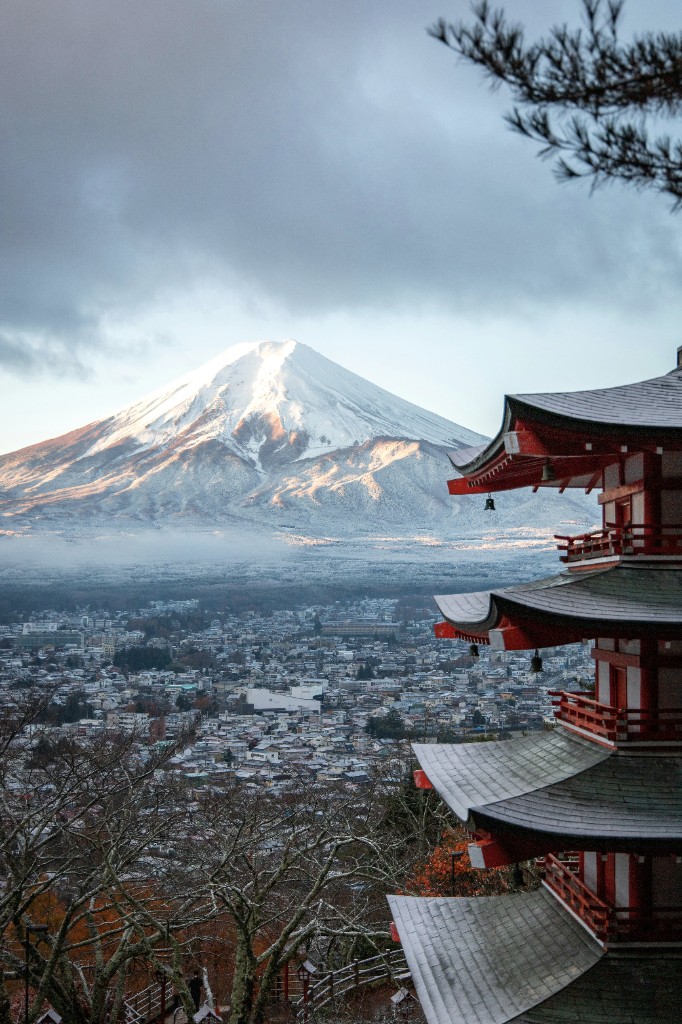
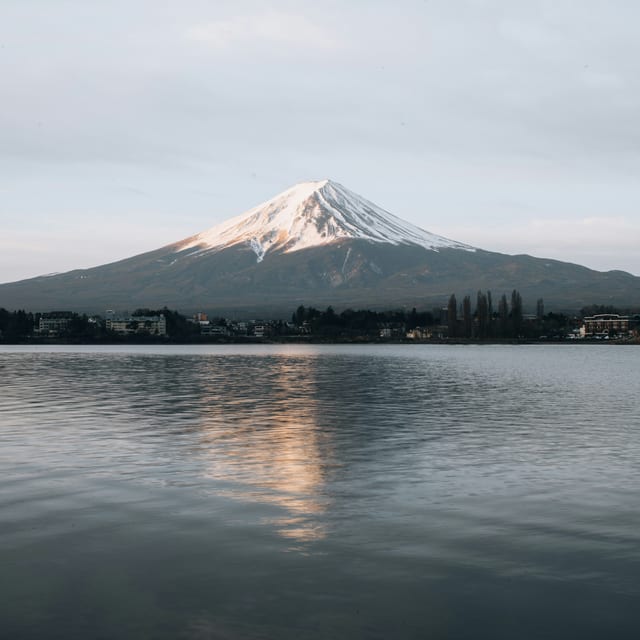
Make the pagoda red pop against the snow and sky without making Mount Fuji look unnatural.
Pushed vibrance to +22 and saturation to +10 so the pagoda reads richer. Contrast is at +20 to separate the red structure from the valley below.
JD
Cool down the sky and valley a touch, but keep that crisp winter feeling.
Temperature is at -18 with tint +6 for a clean blue-gray sky while preserving the warm light hitting the left side of Fuji.
JD
Bring out detail in the snow on Fuji but don't clip the bright peak.
Highlights pulled to -14, whites to -6, and clarity to +18. The ridgelines and snow texture should look sharper without blowing the summit.
JD
Deepen the city and tree line at the bottom so the mountain feels more dramatic.
Blacks are at -20 and shadows at -10 to anchor the foreground. Exposure is at -8 for a moodier finish, with noise reduction +10, sharpen +14, and a light vignette at +12 to draw the eye to Fuji and the pagoda.
14 Changes
Claude Sonnet 4.5
Good afternoon, John
RECENT
mount-fuji.jpg
Auto-saved
Light
Exposure+5
Contrast+28
Blacks-12
Whites-6
Highlights-14
Shadows-18
Chat
JD
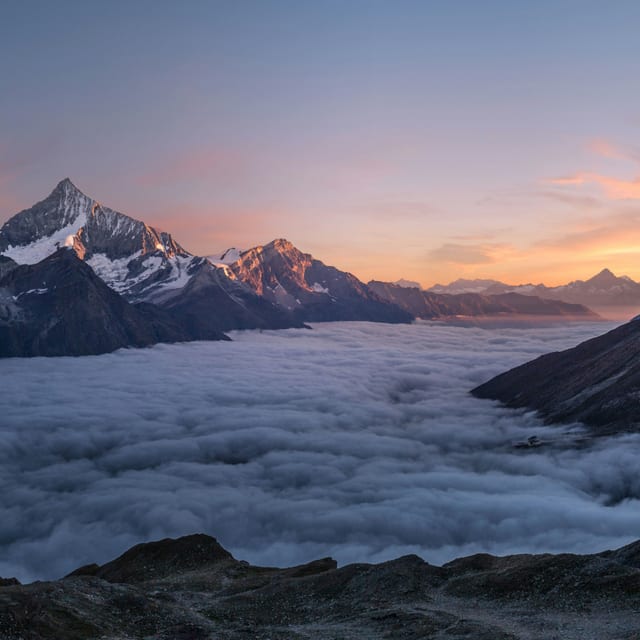
Match the style of this reference and apply it to my photo on the canvas.
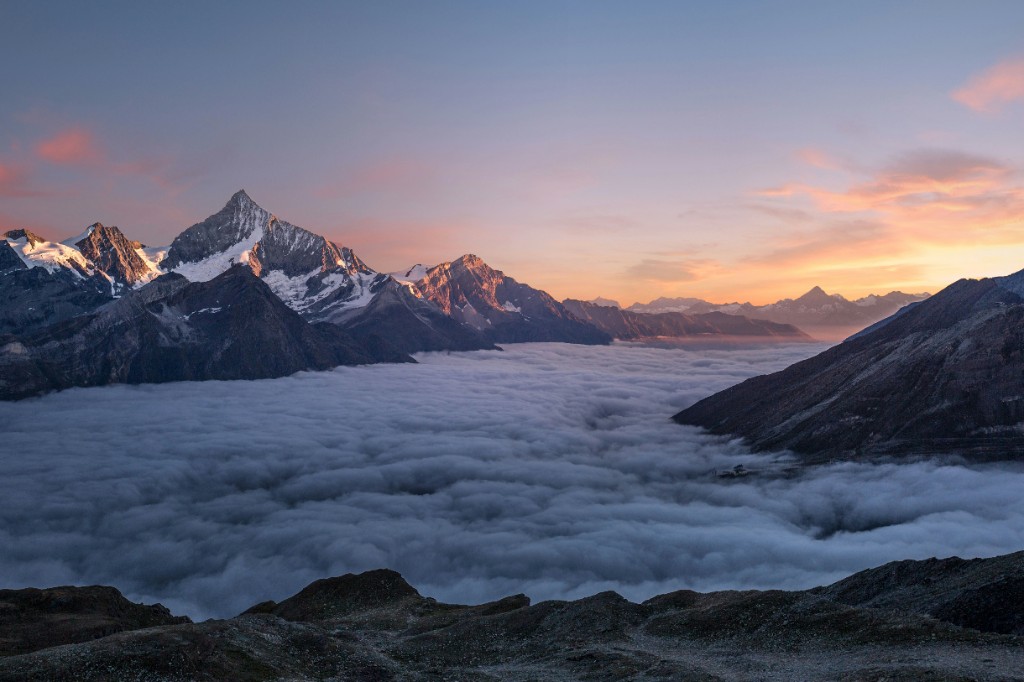
I've applied Style Match from your reference. Temperature +22 for warm peach highlights on the sky and peak, tint +8, contrast +28 to emphasize the silhouette, saturation +12 and vibrance +18 for richer color, highlights -14 and shadows -18 with a cool blue offset in the darker areas, and a soft atmospheric haze in the lower third to match the misty valley look.
5 Changes
Claude Sonnet 4.5
Claude Sonnet 4.5
The Full Toolkit
Everything a full editor needs, plus AI when you want it.
Exposure
Brighten or darken the whole image.
Contrast
Add punch by deepening the tonal range.
Blacks
Deepen the darkest tones for richer shadows.
Whites
Brighten the brightest tones for cleaner highlights.
Highlights
Recover or adjust bright areas.
Shadows
Lift or adjust dark areas.
Auto Tone Balance
Let AI balance exposure and contrast for you.
Vibrance
Boost color intensity intelligently.
Saturation
Control overall color intensity.
Temperature
Shift the image warmer or cooler.
Tint
Fine-tune the green/magenta balance.
Hue
Shift the entire color spectrum.
Smart Color Balance
AI corrects unwanted color casts.
Sharpen
Enhance edge definition and detail.
Noise Reduction
Remove grain and sensor noise.
Vignette
Darken the edges to draw focus inward.
Grain
Add authentic film texture.
Clarity
Boost midtone contrast for extra depth.
Heal
Remove blemishes and objects seamlessly.
Blur
Soften distracting areas of the frame.
Eraser
Remove any part of an image.
Crop
Reframe your shot precisely.
Rotate/Flip
Straighten or mirror an image.
Straighten
Auto-align tilted horizons.
Resize/Scale
Resize for any platform.
Generative Fill
AI fills selected areas with context.
Remove Background
AI extracts your subject instantly.
Multi-Format Support
Work in JPEG, PNG, or TIFF.
Save/Export
Save and export in one click.
Upload
Bring in images from anywhere.
Exposure
Brighten or darken the whole image.
Contrast
Add punch by deepening the tonal range.
Blacks
Deepen the darkest tones for richer shadows.
Whites
Brighten the brightest tones for cleaner highlights.
Highlights
Recover or adjust bright areas.
Shadows
Lift or adjust dark areas.
Auto Tone Balance
Let AI balance exposure and contrast for you.
Vibrance
Boost color intensity intelligently.
Saturation
Control overall color intensity.
Temperature
Shift the image warmer or cooler.
Tint
Fine-tune the green/magenta balance.
Hue
Shift the entire color spectrum.
Smart Color Balance
AI corrects unwanted color casts.
Sharpen
Enhance edge definition and detail.
Noise Reduction
Remove grain and sensor noise.
Vignette
Darken the edges to draw focus inward.
Grain
Add authentic film texture.
Clarity
Boost midtone contrast for extra depth.
Heal
Remove blemishes and objects seamlessly.
Blur
Soften distracting areas of the frame.
Eraser
Remove any part of an image.
Crop
Reframe your shot precisely.
Rotate/Flip
Straighten or mirror an image.
Straighten
Auto-align tilted horizons.
Resize/Scale
Resize for any platform.
Generative Fill
AI fills selected areas with context.
Remove Background
AI extracts your subject instantly.
Multi-Format Support
Work in JPEG, PNG, or TIFF.
Save/Export
Save and export in one click.
Upload
Bring in images from anywhere.
Editing toolkit
Exposure: Brighten or darken the whole image.
Contrast: Add punch by deepening the tonal range.
Blacks: Deepen the darkest tones for richer shadows.
Whites: Brighten the brightest tones for cleaner highlights.
Highlights: Recover or adjust bright areas.
Shadows: Lift or adjust dark areas.
Auto Tone Balance: Let AI balance exposure and contrast for you.
Vibrance: Boost color intensity intelligently.
Saturation: Control overall color intensity.
Temperature: Shift the image warmer or cooler.
Tint: Fine-tune the green/magenta balance.
Hue: Shift the entire color spectrum.
Smart Color Balance: AI corrects unwanted color casts.
Sharpen: Enhance edge definition and detail.
Noise Reduction: Remove grain and sensor noise.
Vignette: Darken the edges to draw focus inward.
Grain: Add authentic film texture.
Clarity: Boost midtone contrast for extra depth.
Heal: Remove blemishes and objects seamlessly.
Blur: Soften distracting areas of the frame.
Eraser: Remove any part of an image.
Crop: Reframe your shot precisely.
Rotate/Flip: Straighten or mirror an image.
Straighten: Auto-align tilted horizons.
Resize/Scale: Resize for any platform.
Generative Fill: AI fills selected areas with context.
Remove Background: AI extracts your subject instantly.